prompt-inspector-ux 🔍






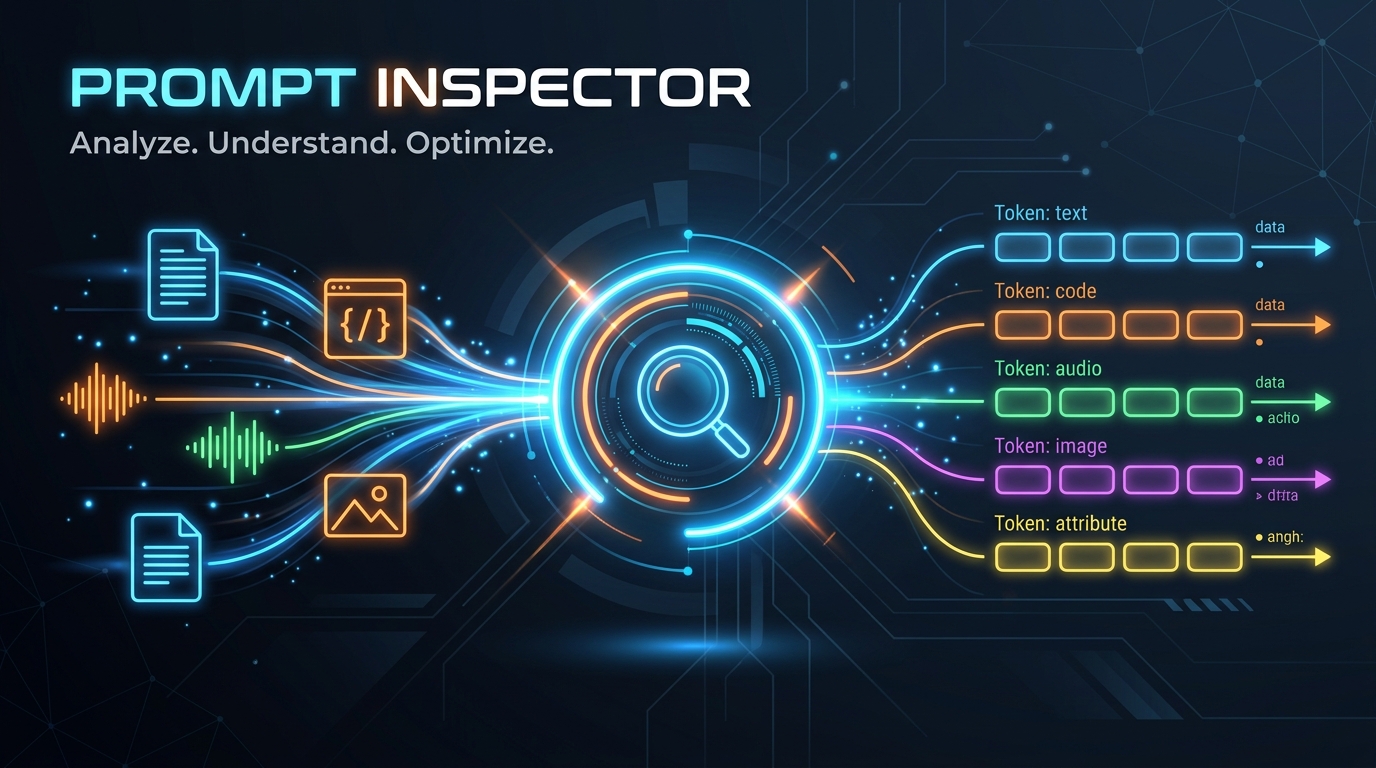
prompt-inspector-ux is a local-first visualizer and middleware for multimodal LLM prompt payloads.
When building GenAI or AgentAI applications, we send a variety of complex data payloads to LLMs—including text, code, images, audio, video, HTML pages, and documents. Tracking down exactly what was sent in the raw API payload can be difficult, as binary files are base64-encoded and structured blocks are serialized into complex formats.
prompt-inspector-ux intercepts these outgoing client calls, standardizes the multimodal data, and provides a beautiful, local web interface to inspect, trace, and debug the prompts.
📚 Interactive Documentation
For detailed installation guides, programmatic APIs, and configuration references: 👉 prompt-inspector-ux Documentation Site
Key Features
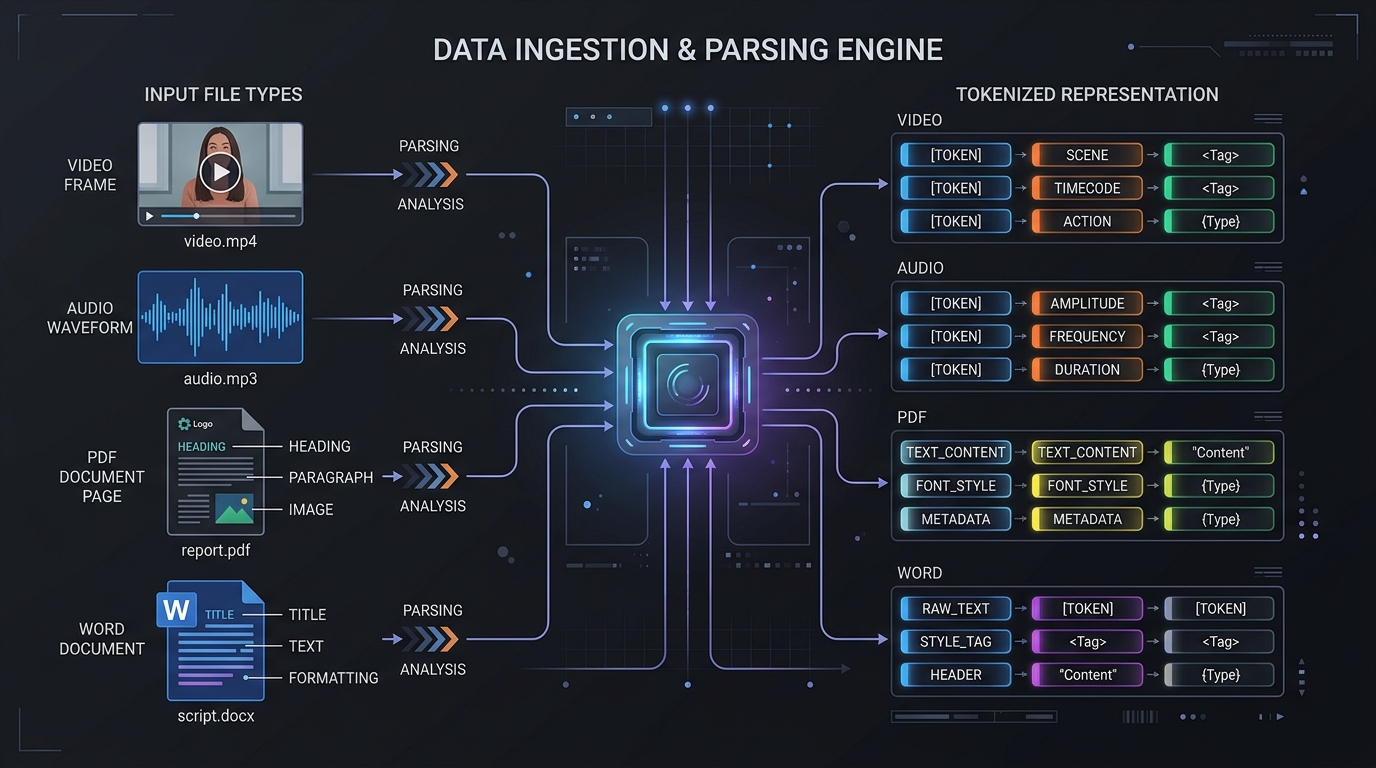
- Multimodal Visualizer: Renders images, plays audio waveforms, controls video playback, and renders sandboxed HTML structures as the LLM sees them.
- Office Document Support: Preview PDF pages and Word (
.docx) file contents inline directly in the dashboard timeline. - Easy Middleware Integration: Automatically hook into your Python client libraries (
openai,google-genai,anthropic, legacygoogle-generativeai) or orchestration frameworks (LangChain, LangGraph, LlamaIndex). - Standalone CLI: Spin up a persistent trace-history server with a single terminal command.
- Zero Config: Bundled static React assets are served by a local FastAPI instance inside the python library. Simply
pip install prompt-inspector-uxand run!
Installation
Install using pip:
Or using uv:
Getting Started
Just call inspect() at the very beginning of your application:
import prompt_inspector
from openai import OpenAI

# Start the visualizer and auto-patch all SDKs
prompt_inspector.inspect()

# Make your LLM calls normally
client = OpenAI()
response = client.chat.completions.create(
    model="gpt-4o",
    messages=[
        {"role": "user", "content": "Explain Reciprocal Rank Fusion."}
    ]
)
Refer to the API Reference for advanced usage, CLI commands, and framework integration examples.
📄 Citation
If you use prompt-inspector-ux in your academic research or projects, please cite the technical paper:
@article{mishra2026promptinspector,
  title   = {Prompt-Inspector: A Pre-Flight Observability and Multimodal Debugging Harness for Generative and Agentic AI Systems},
  author  = {Mishra, Sachin},
  journal = {Zenodo Preprint},
  year    = {2026},
  doi     = {10.5281/zenodo.22213277},
  url     = {https://doi.org/10.5281/zenodo.22213277}
}